Портфолио ии
Примеры сайтов тарифа
See how design choices elevate everyday living.
Discover the Vision Behind the Project
Portfolio
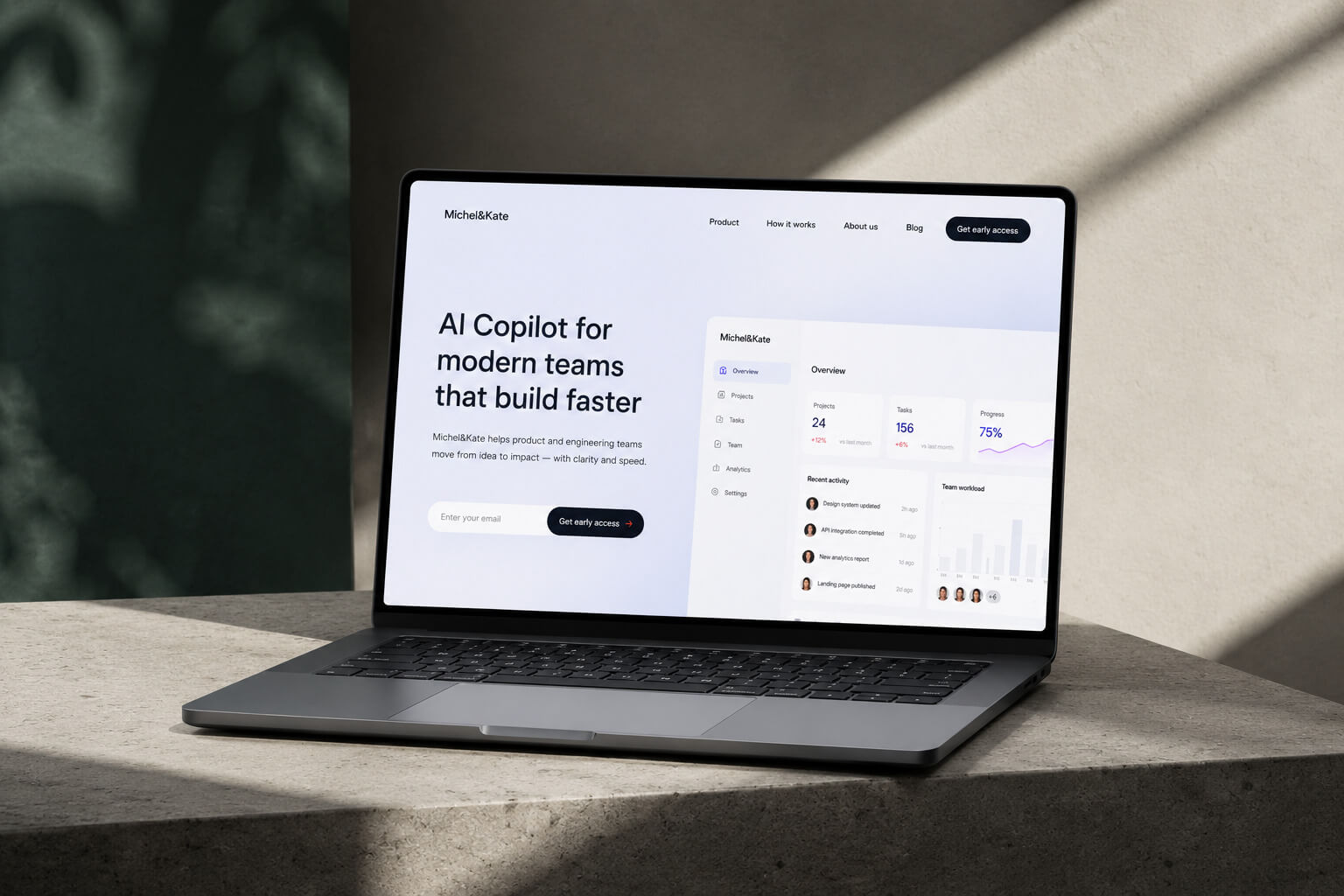
RockDigital
Digital studio

Development, UX/UI design
Amora
Modern skincare brand
Branding
Code
Online school
Branding
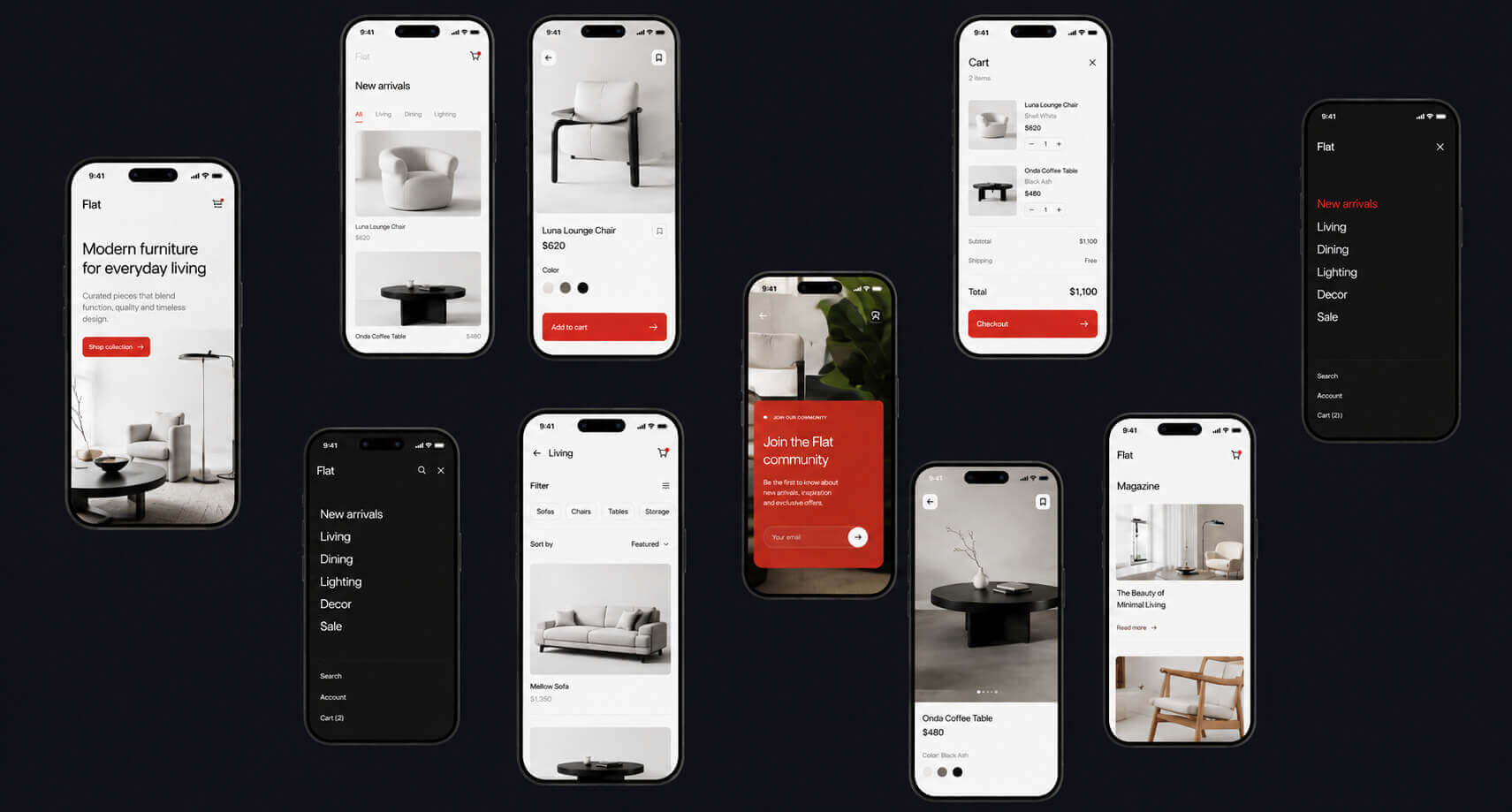
Flat
Online store
Product Design
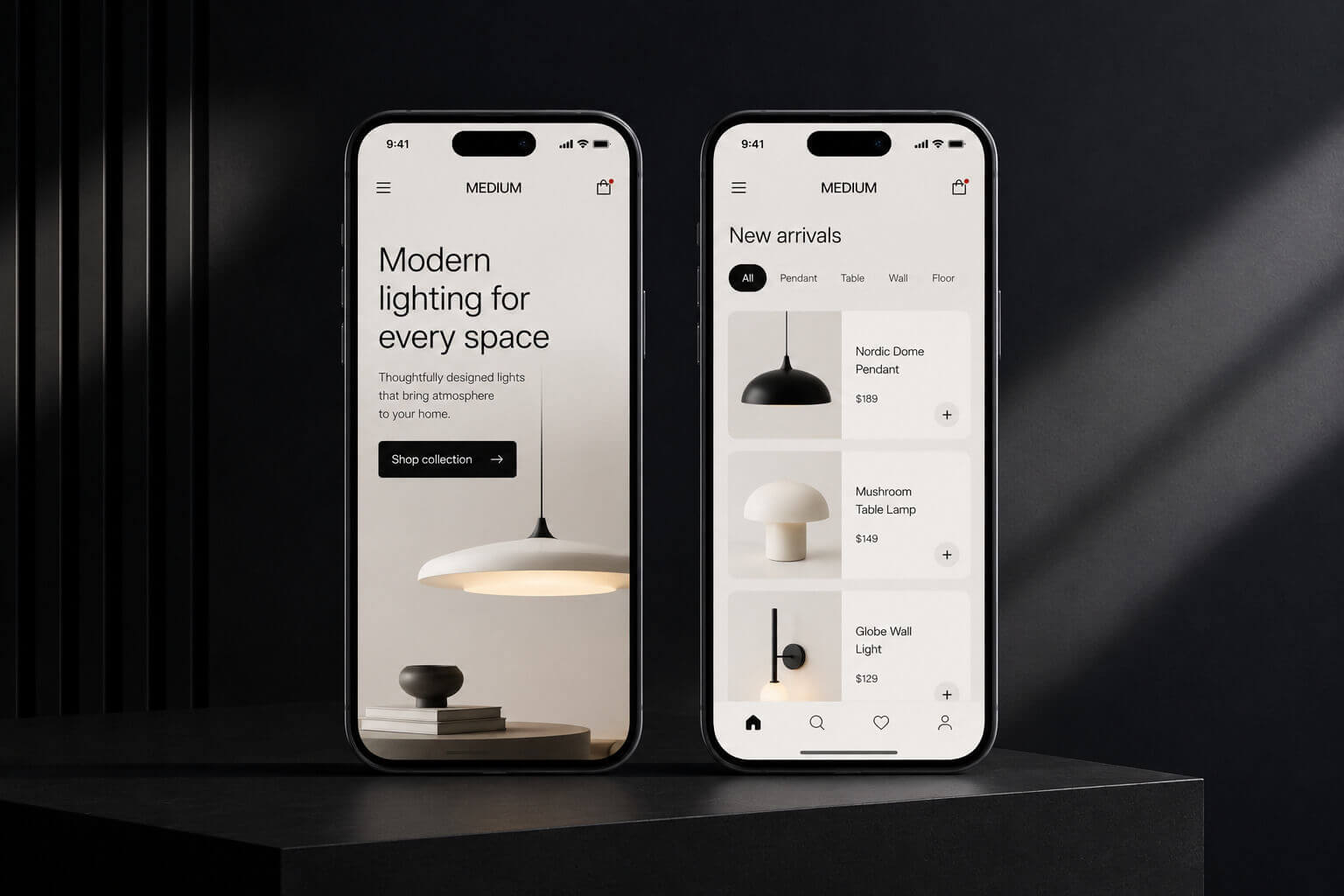
Medium
Online store
UX/UI design
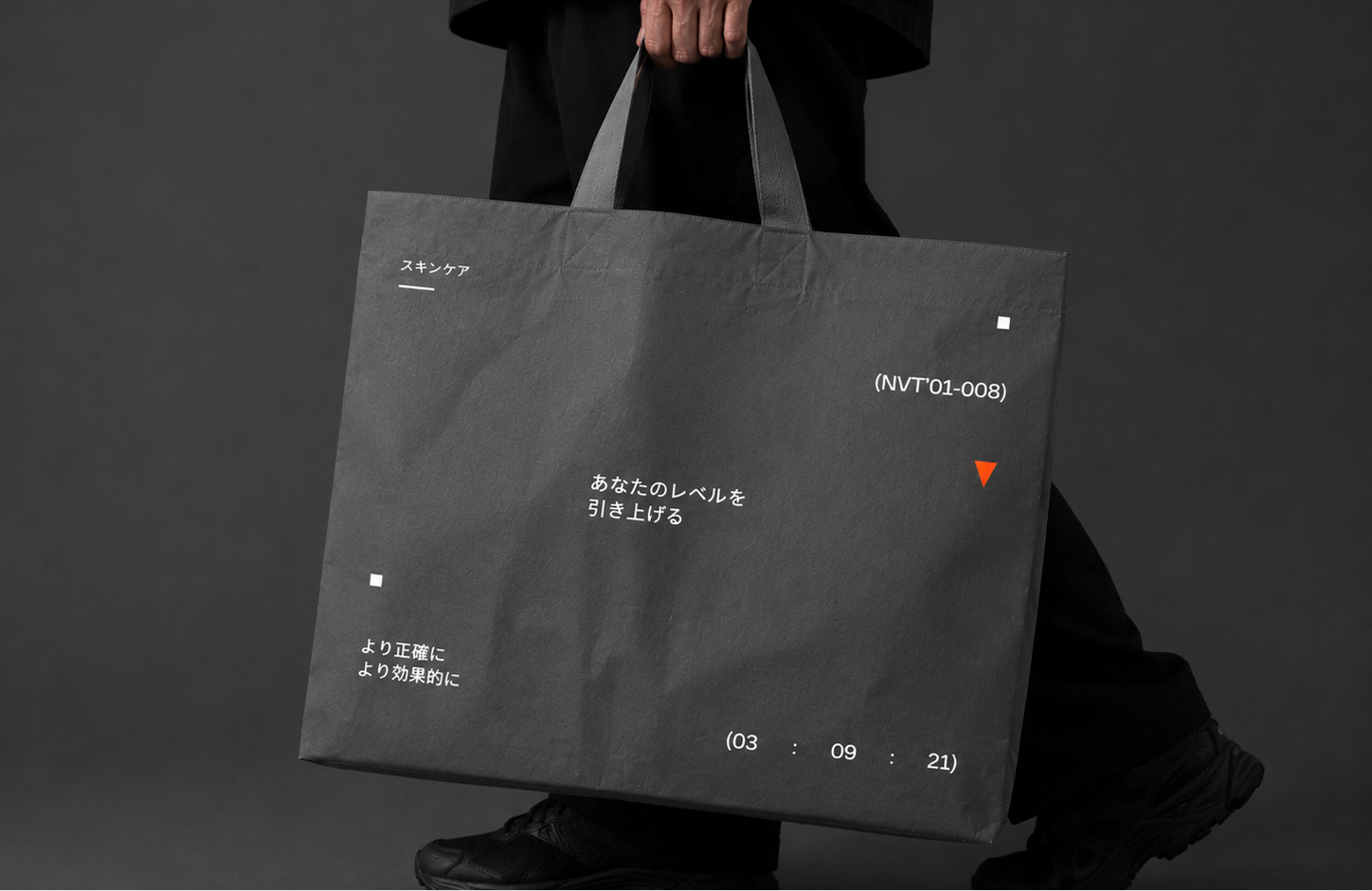
N'ord Int.
Online Store
Branding
Latest News
27.01.2026
Charity Website Launched Pro Bono to Support Green Hope
Our team has designed and developed a new website for the local charity "Green Hope," focusing on accessibility and clear donation pathways.
27.01.2026
Studio Launches New Video Series Showcasing Creative Process
A new video series reveals our creative process—from initial sketches to final prototypes and client collaboration.
27.01.2026
Studio Becomes Official Design Partner for Launchpad Incubator
We’re now the official design partner for Launchpad Incubator, offering branding and UX support to their tech startups.
27.01.2026
Studio Wins EcoSpace Award for Sustainable Interior Design
Our studio’s interior has won the EcoSpace Award for sustainable design, using recycled materials and energy-saving systems.
27.01.2026
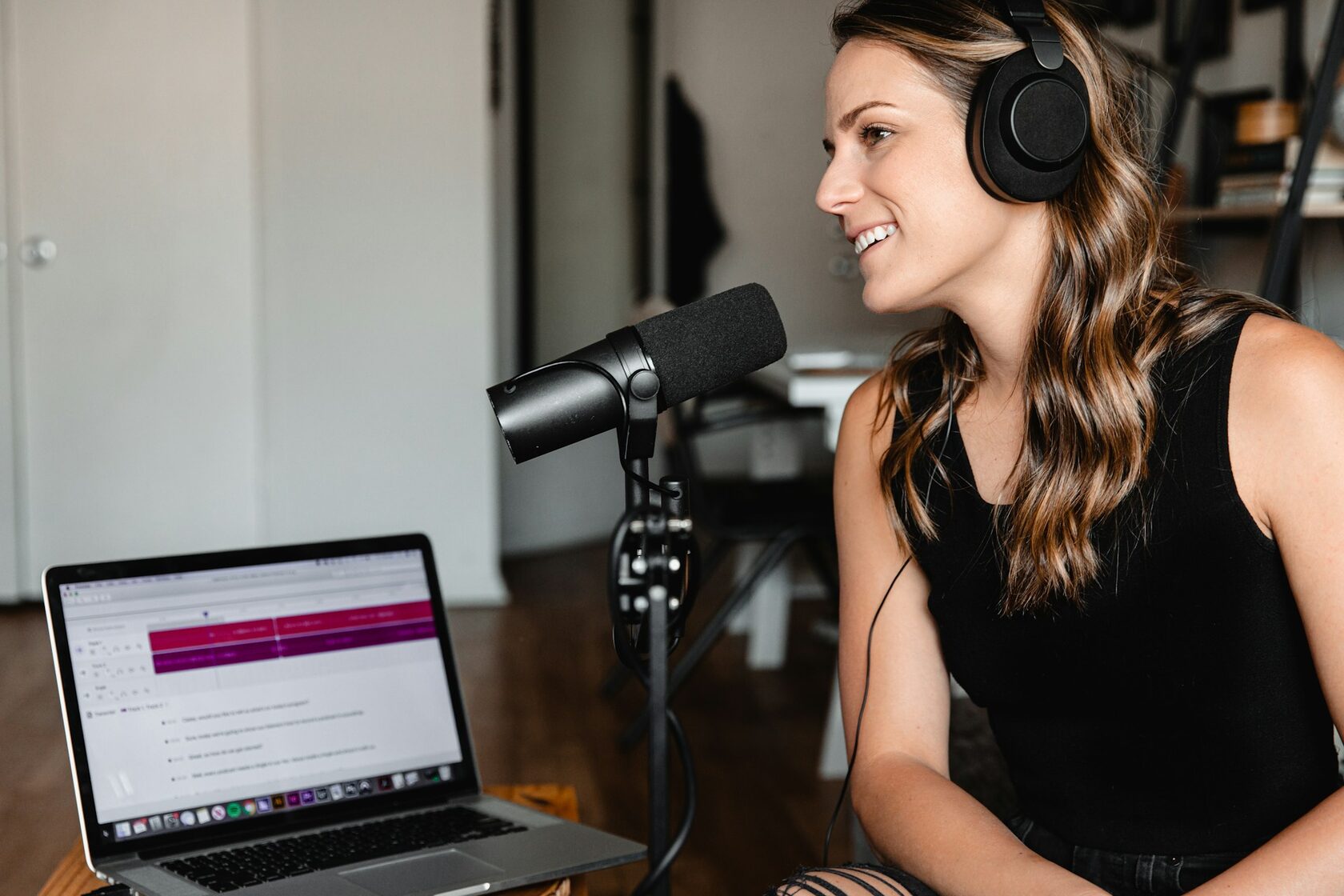
Studio Launches New Podcast Exploring Design and Human Behavior
We’ve launched a podcast exploring design psychology, ethics, and future trends with industry leaders and thinkers.
29.01.2026
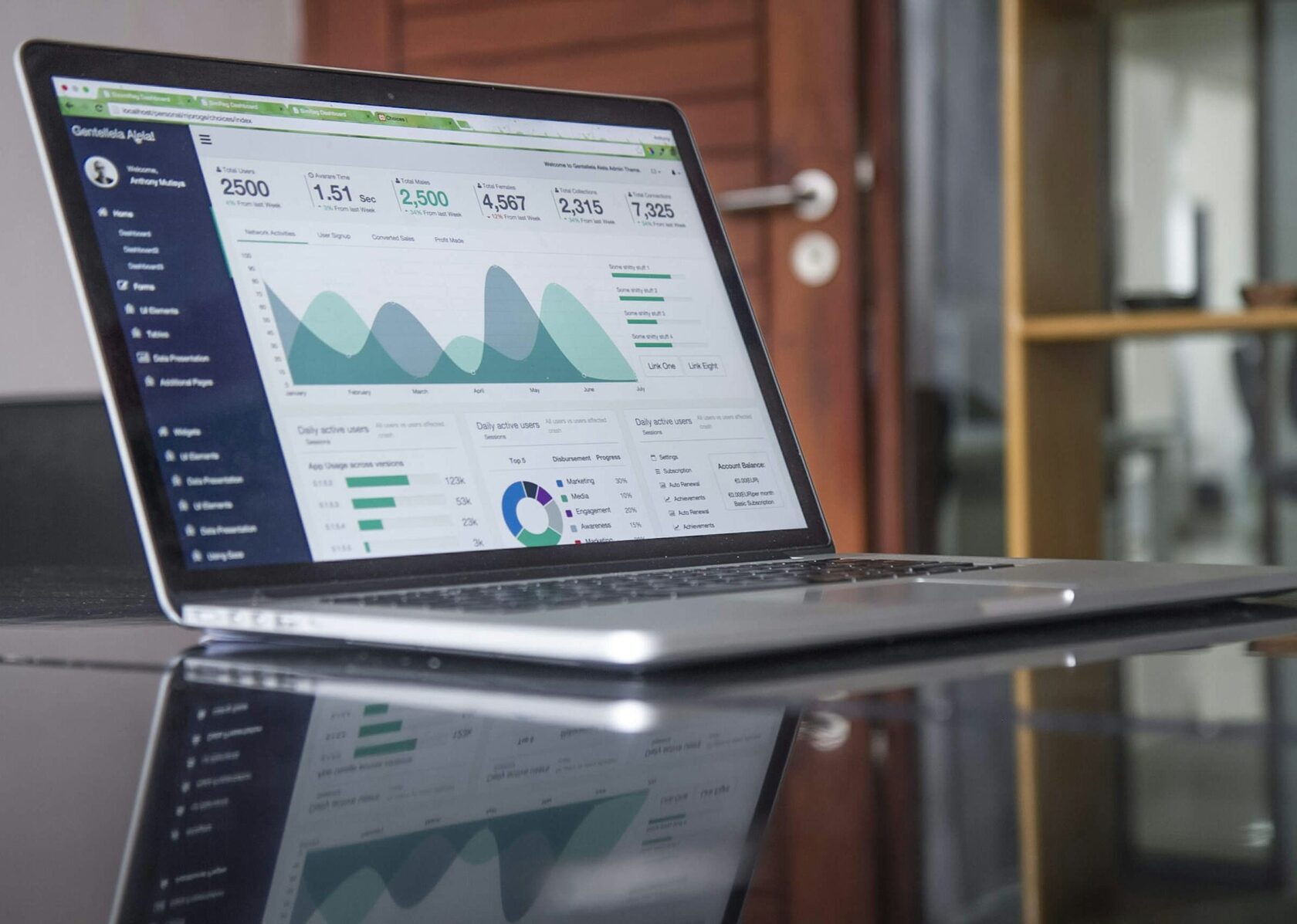
Turning Data into Story: New Impact Report Released for Global NGO
We’ve created the annual report for a global NGO, turning complex data into a clear, visual narrative of their worldwide work.
Back
RockDigital
Task
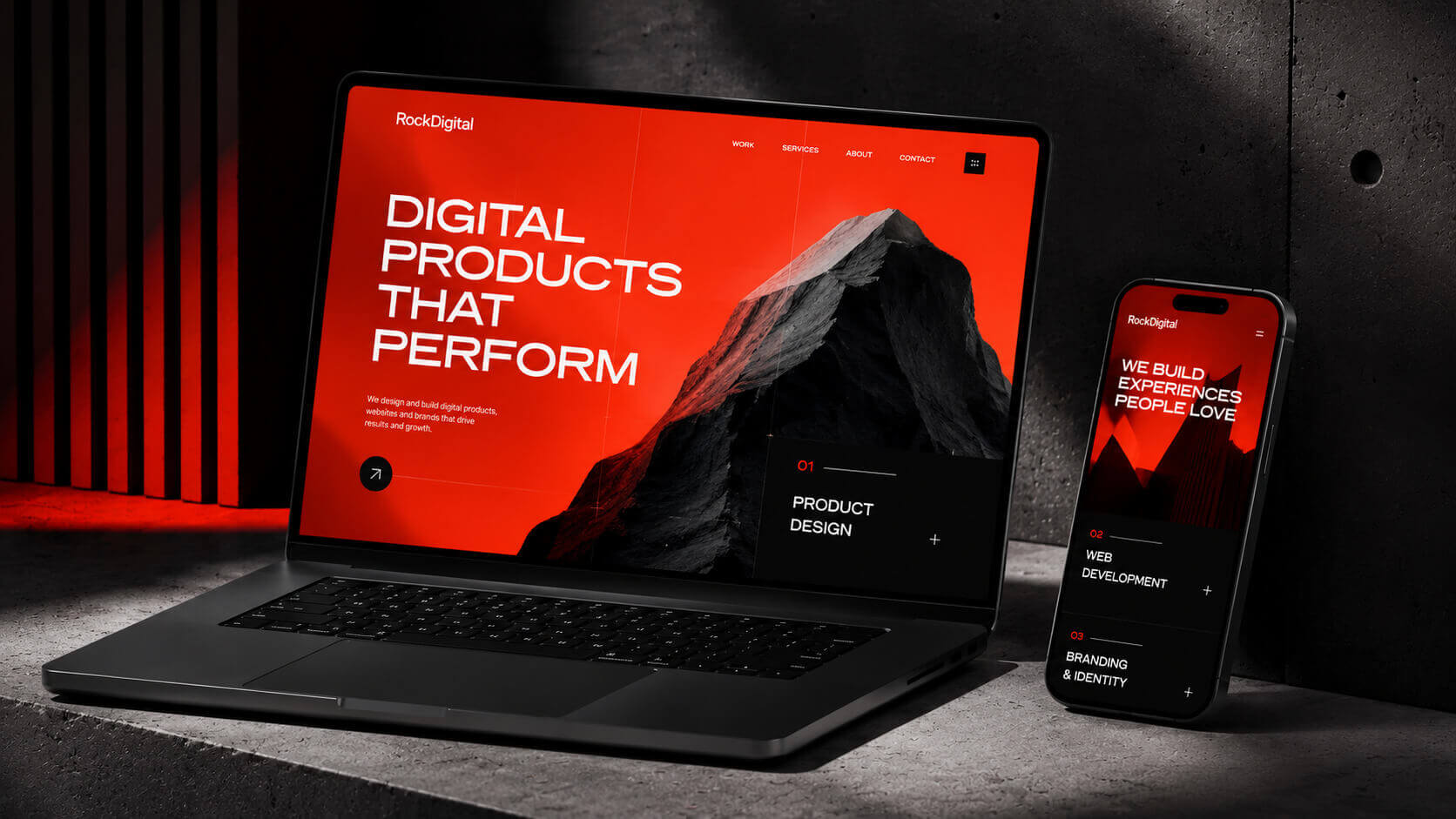
RockDigital needed a digital studio platform that could present their work clearly, communicate their expertise, and support future growth with easy content updates.
Solution
We created a fully responsive website from scratch with a custom CMS, clean UX/UI design, intuitive navigation, and fast-loading pages to make the portfolio easy to explore.
Result
The new platform gave RockDigital a modern online presence, simplified content management, and helped the studio showcase its projects more effectively to attract new clients.
May 15, 2025
Team
David Patel, Marcus Silva, Liam O’Connor
All Projects
Set Up the Post Template Page
Use this block to create a custom template for post pages. Before publishing, you'll need to configure it.
To set it up:
  1. Create a new page and add this block.
  2. Set this page as the post template in Feeds → Feed Settings → Template.
  3. Go back to the page editor and connect the block elements to the corresponding Feed fields. View guide
  4. Publish the page.

For detailed instructions, see the Help Center
Made on
Tilda